
Progress data has always recorded every attempt and every score, per student and per exercise. What changed is the second half of that sentence. Open an exercise in Manager Tools and you now see how many runs students needed on it, and how their scores moved run by run, across everyone who has taken it.
It is a small change to a screen and a large change to the question you can ask. Until now the question the platform answered was about a person. There is a second one now, and it is about the material.
Two questions that look the same
A student who needs many more runs on one exercise than on any of the others is a student to sit with. Something in it is not landing for them, and a conversation will usually find out what faster than more runs will.
A whole intake needing many runs on the same exercise is a different signal entirely. Those students are not all struggling in the same place by coincidence. Whatever the data is pointing at there is not in the room, it is in the exercise.
The old view could show you the first case plainly. It could show you the second too, in principle, if you opened every student in turn and held the pattern in your head across all of them. Nobody does that, which is exactly why the view that does it for you was worth building.
What the data says, and what it does not
Progress data records attempts and scores. That is all it records, and it is worth being exact about what that buys you.
It tells you where students slowed down. It does not tell you why. An exercise a class struggles with might be badly explained, or it might be the first genuinely hard thing in the course, in which case struggling with it is the point. The data cannot tell those two apart, and it is not asked to.
So the view is a place to start looking, not a verdict. Somebody reads the exercise, runs it and decides. That somebody knows the subject, and no quantity of recorded attempts replaces them.
What happens to the exercise
When the review finds the material at fault, the material gets rewritten and the next intake runs the new version. Then the same view says whether the rewrite worked, because the run counts either come down or they do not.
This is the part that is quick to describe and slow to do. Rewriting an exercise is work, and the view does not do any of it. What it does is make the case for doing it, with the runs of an entire intake behind the case rather than an instructor’s impression at the end of a long week.
Why it is in the tool and not in a report
A quarterly report on training quality is read once and filed. A view inside the tool where the training actually runs gets opened on the day somebody has a reason to open it.
That is the whole of the design. Progress data was already being written on every run. Reading it by exercise costs nothing extra, changes nothing about what a student sees, and puts the question in front of the person who can act on it.
Unlimited retries mean a student who needs more practice can have it. This is the other half of that: when a lot of students need a lot more practice in the same place, somebody finds out.
More from Lektor
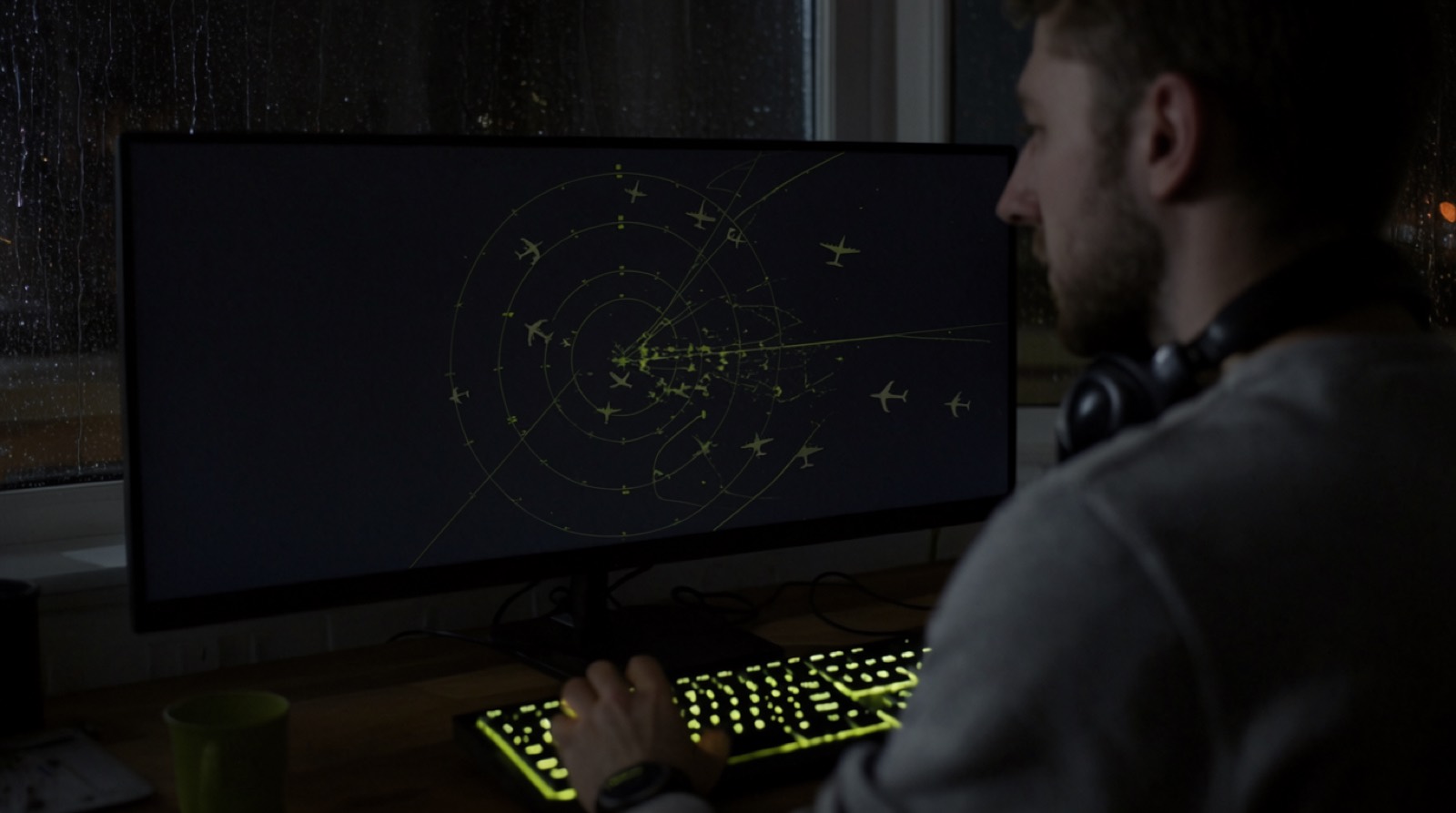
Surveillance exercises land on the T3 Simulator.
A new set of surveillance control exercises is live for Takeoff Games students, with the same unlimited retries as everything else on the platform.
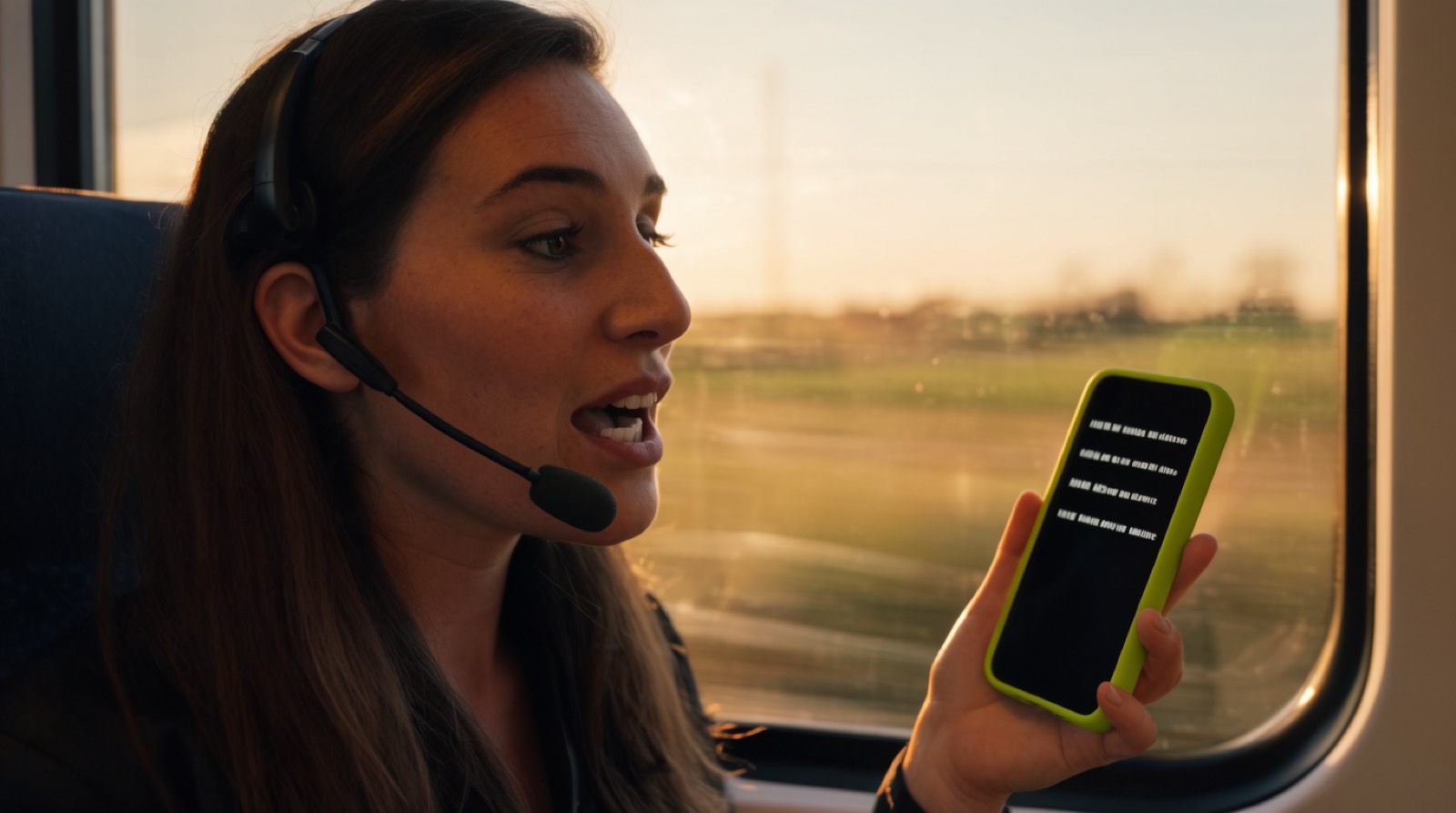
Phraseology drills come to the platform.
Standard phraseology is now practised the way everything else is, in short runs with a score at the end of each one.
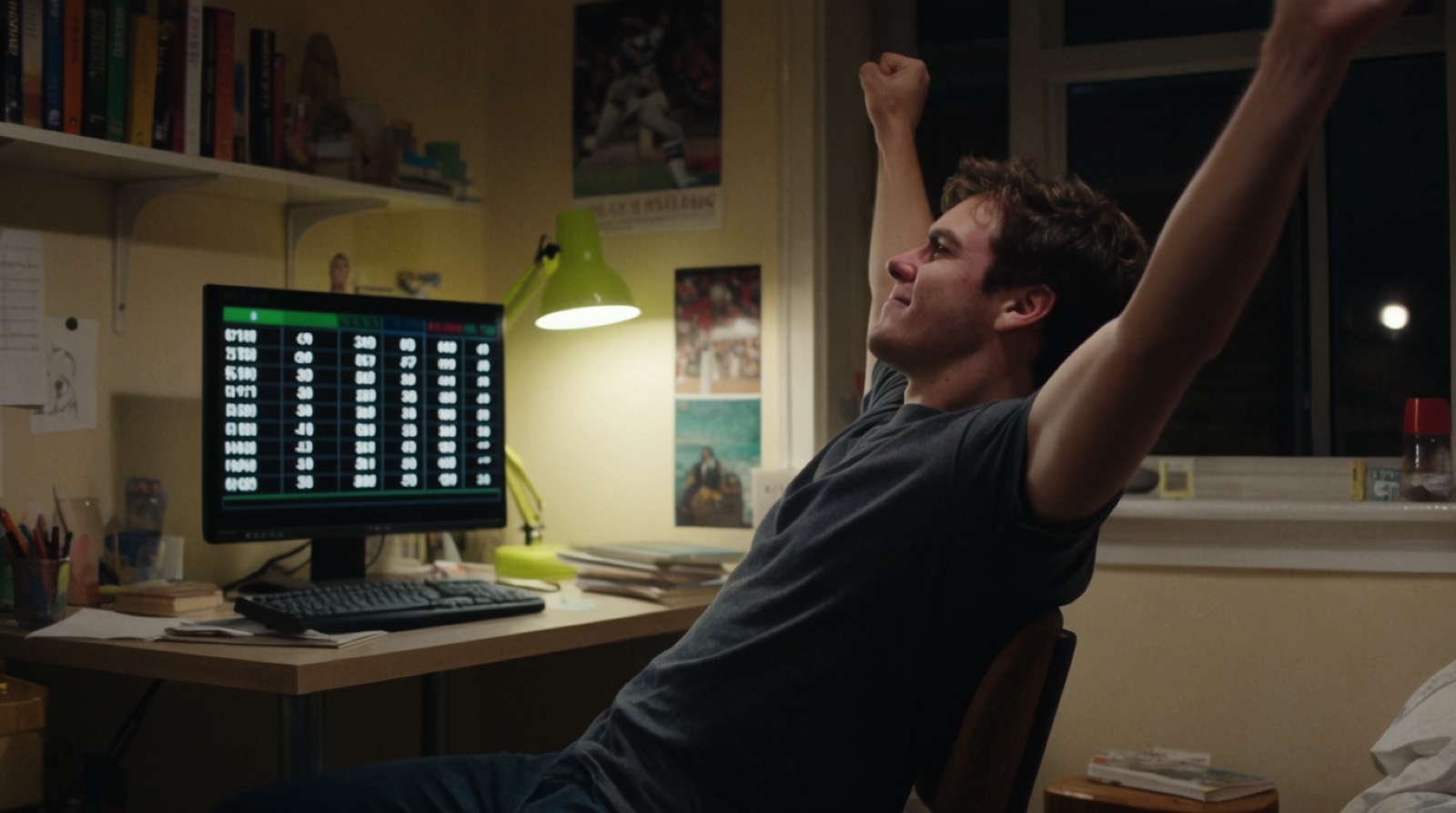
The ATCO Black Belt track opens.
Badges, leaderboards and a belt that has to be earned across exercises rather than won in one of them.